

Change your color, keep your hair.
Color is the hardest thing to imagine and the most expensive to undo. Each shade here has its own page covering the undertones it flatters, the seasons it belongs to, and what it costs you in upkeep.
Try these on your own hair iPhone & Android
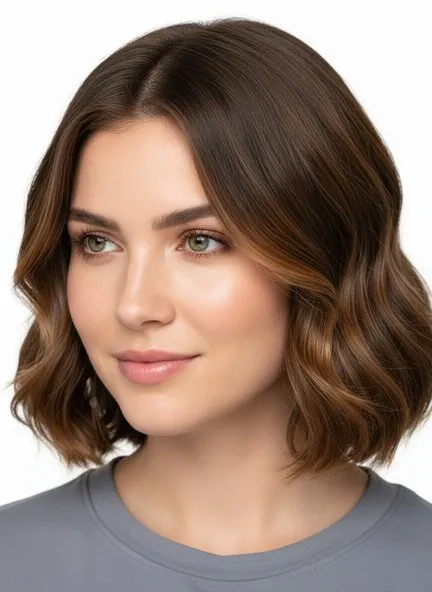 Trending
Caramel
 Trending
Chocolate Brown
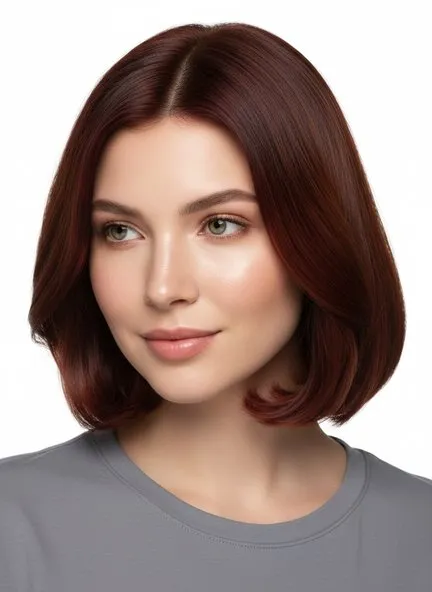 Trending
Mahogany
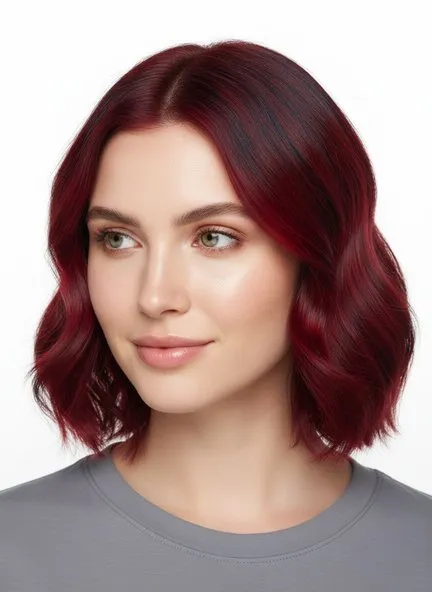
Cherry Red
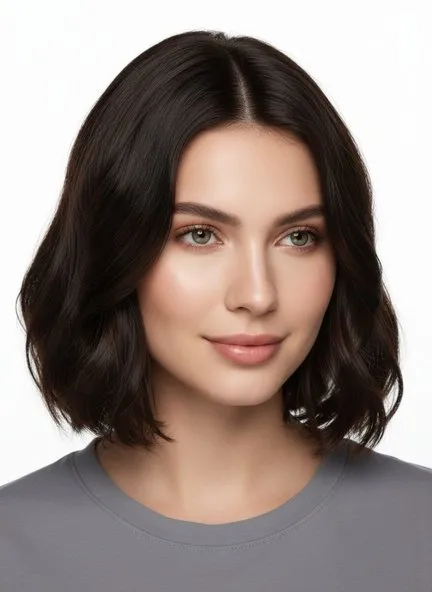
Espresso

Bronze
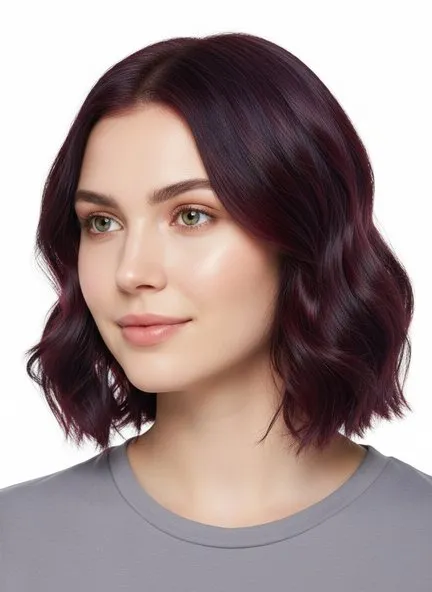
Deep Burgundy
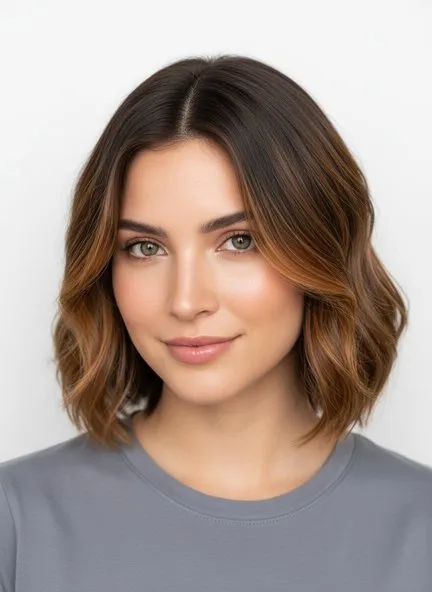
Caramel Highlights
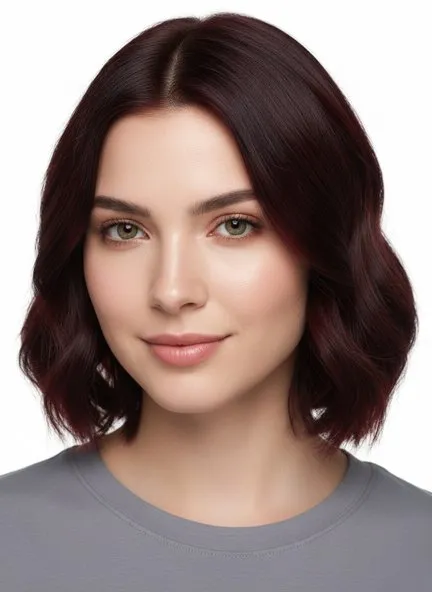
Dark Auburn
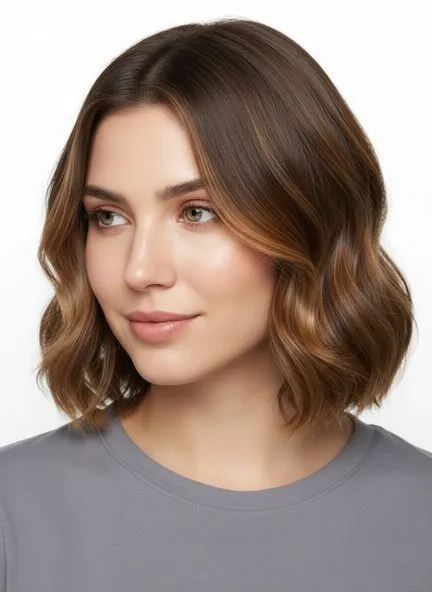
Honey Highlights

Copper
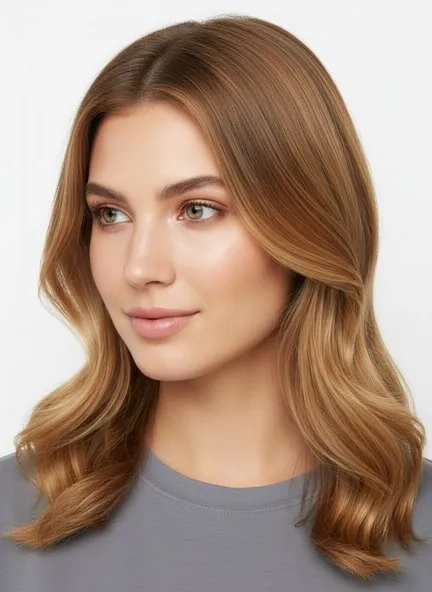
Honey Blonde
The rest of the shades are in the app.
A shade earns a page here when there is something to say about it — the undertones it flatters, what it costs you in upkeep. The rest of the color library is in the app, on your own hair rather than a swatch.
See every shade on your hair
One selfie, renders in under ten seconds.
FAQs
- How do I pick a hair color for my skin tone?
- Match the undertone, not the shade name. Warm skin — golden, olive, peachy — sits well under caramel, honey, copper and chocolate. Cool skin, which reads pink or blue-toned, is flattered by ash, espresso, burgundy and true black. Neutral skin can wear both. Each color page here lists the undertones it suits, and the app can read yours from a selfie.
- Which hair colors need the most upkeep?
- Anything much lighter than your natural color, plus vivid reds. Going blonde from dark hair means root touch-ups every four to six weeks; reds fade fastest of any shade and need color-depositing care between salon visits. Shades close to your natural depth — caramel on brown hair, espresso on black — grow out with the least visible line.
- Can I see a hair color on myself before dyeing?
- Yes. Upload one selfie in the app, pick a shade, and it renders that color on your own hair while keeping your cut and texture, which is a far better preview than a swatch or a photo of somebody else.